Help with the forms
Cancel the form
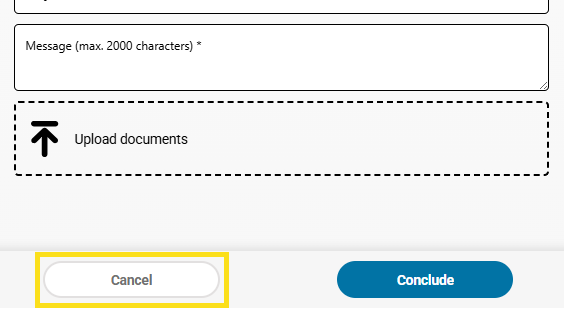
In many cases, the issue can be resolved by cancelling the current form and restarting the service. You can do this by scrolling to the bottom of the form and clicking ‘Cancel’. Then restart the service.
Clear browser data
Stored browser data can sometimes cause errors. Please clear your browser's cache and cookies and then try again.
You can find instructions here:
- Google Chrome Help (link: Delete browser data in Chrome – Computer – Google Chrome Help)
- Microsoft Edge Support (link: View and delete browser history in Microsoft Edge – Microsoft Support)
- Mozilla Firefox Support (link: Clear cookies and site data in Firefox | Firefox Support)
Further support
If the problem persists, please send a message using our contact form. Our support team will be happy to help you.