Guidance for the E-Payment Process
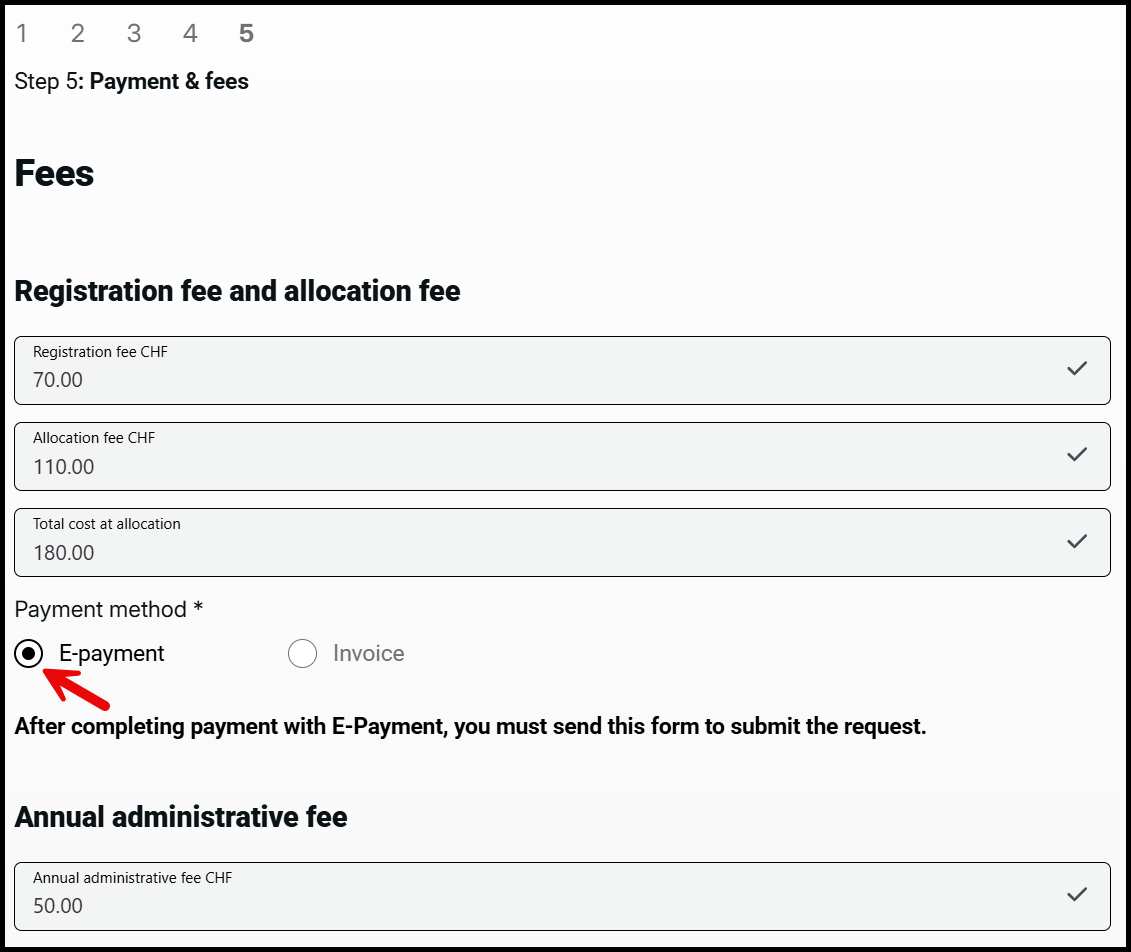
1. After completing the application, select the payment method 'E-Payment'.
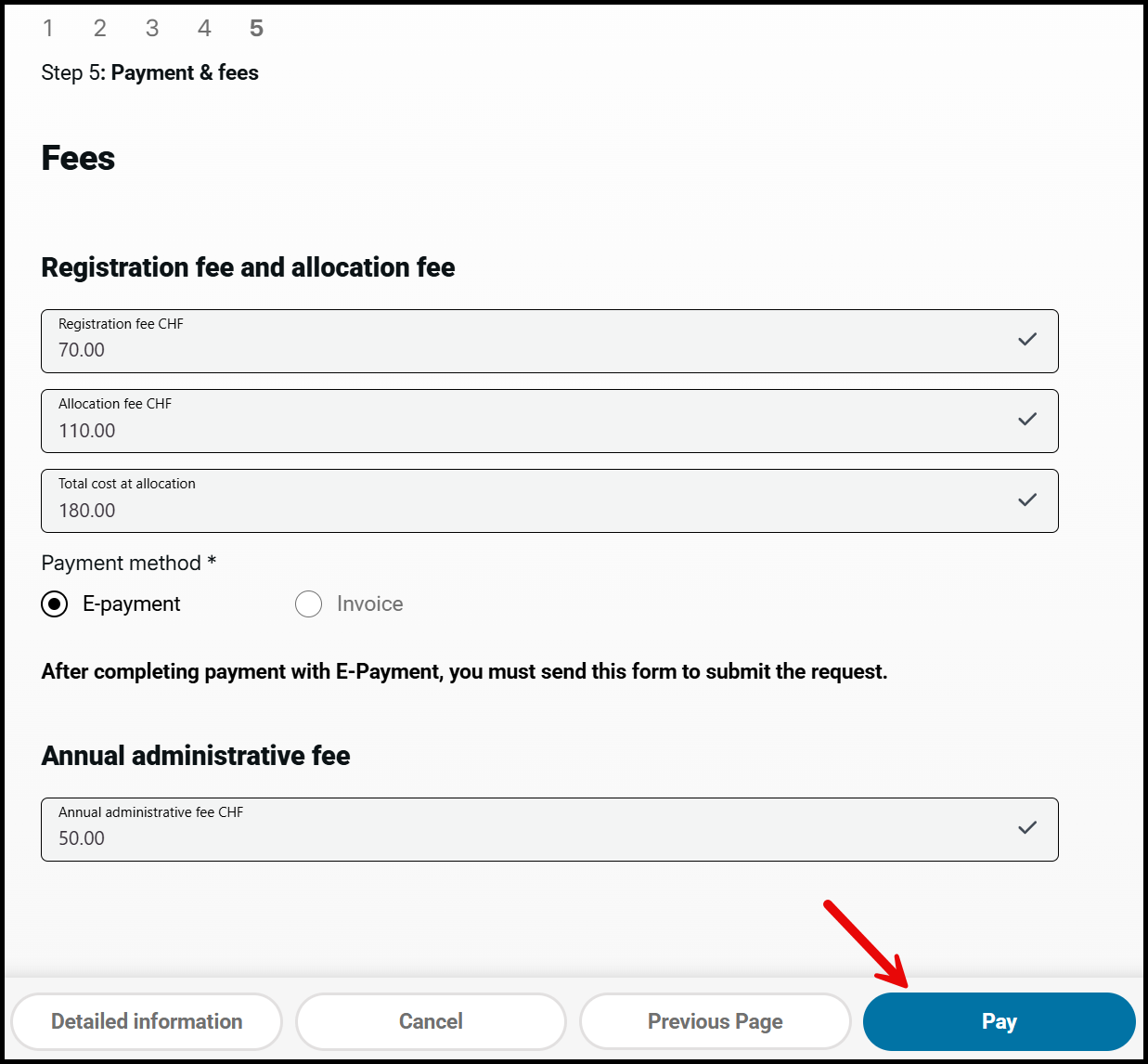
2. Click on "Pay"
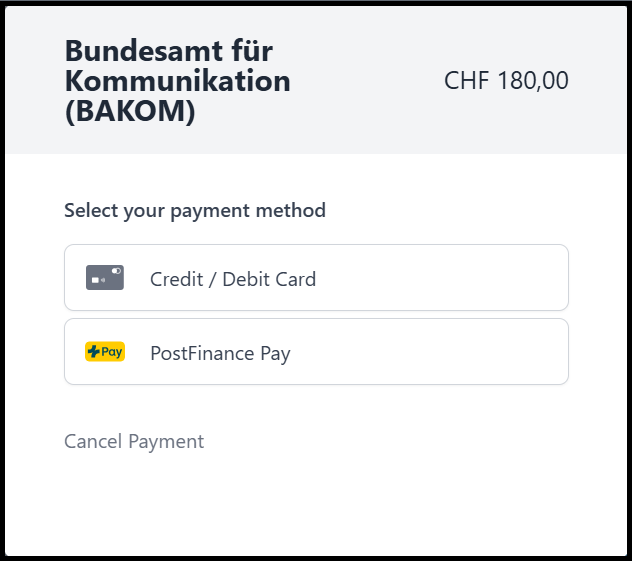
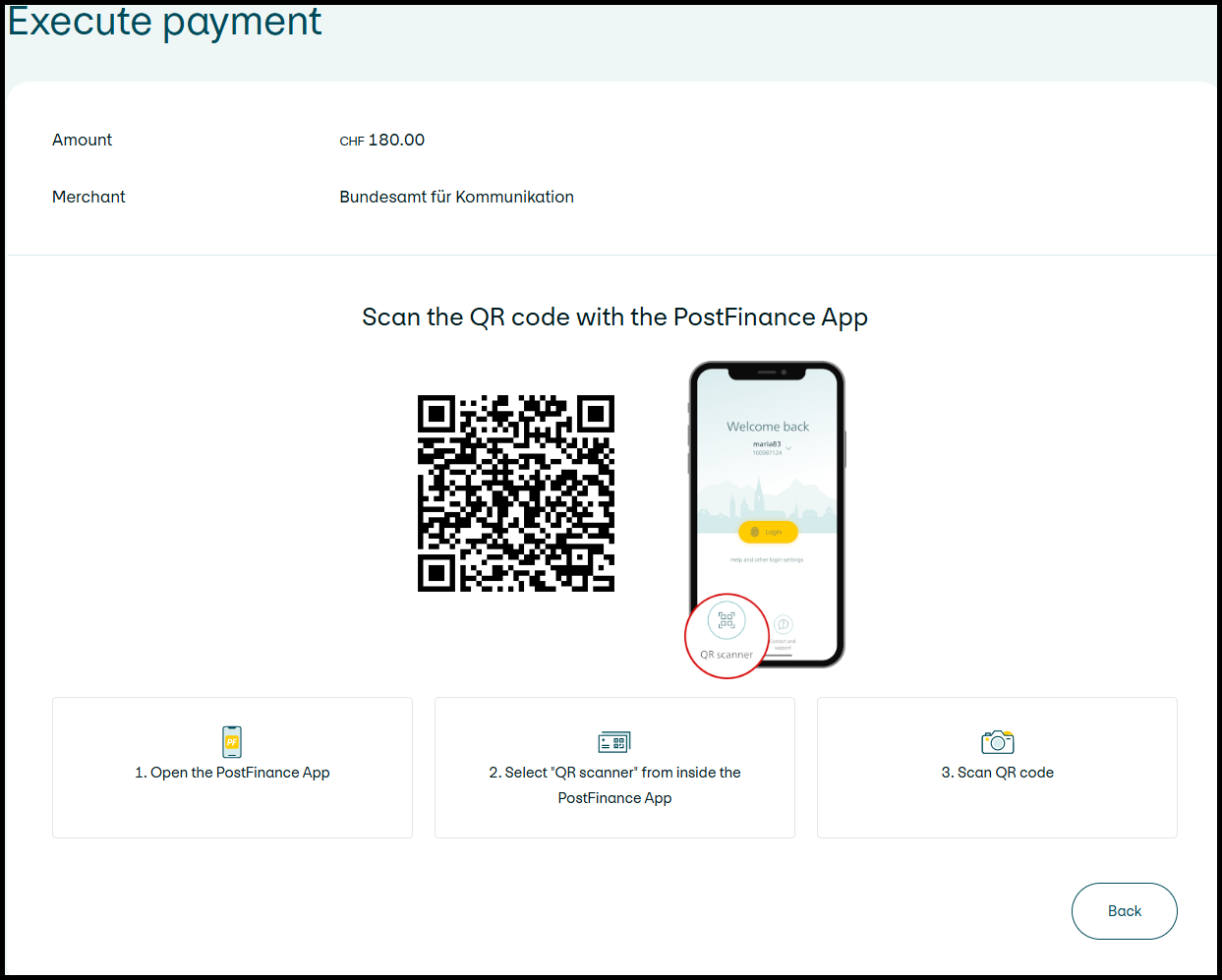
3. Select the desired payment method.
4. Complete the payment by following the instructions provided.
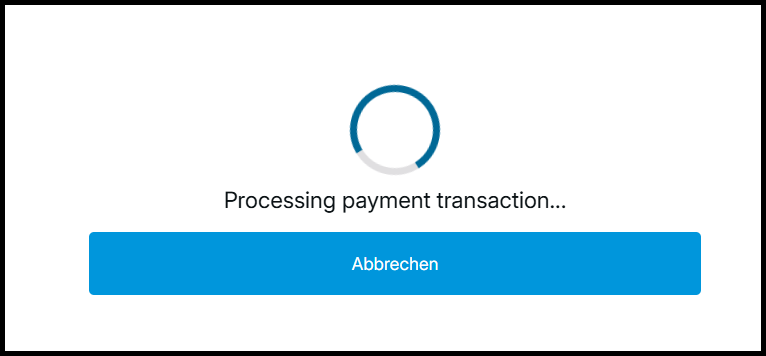
5. Wait until the payment process has been completed.
6. Once the payment process has been completed, you will be automatically redirected back to the application. You can then send it.
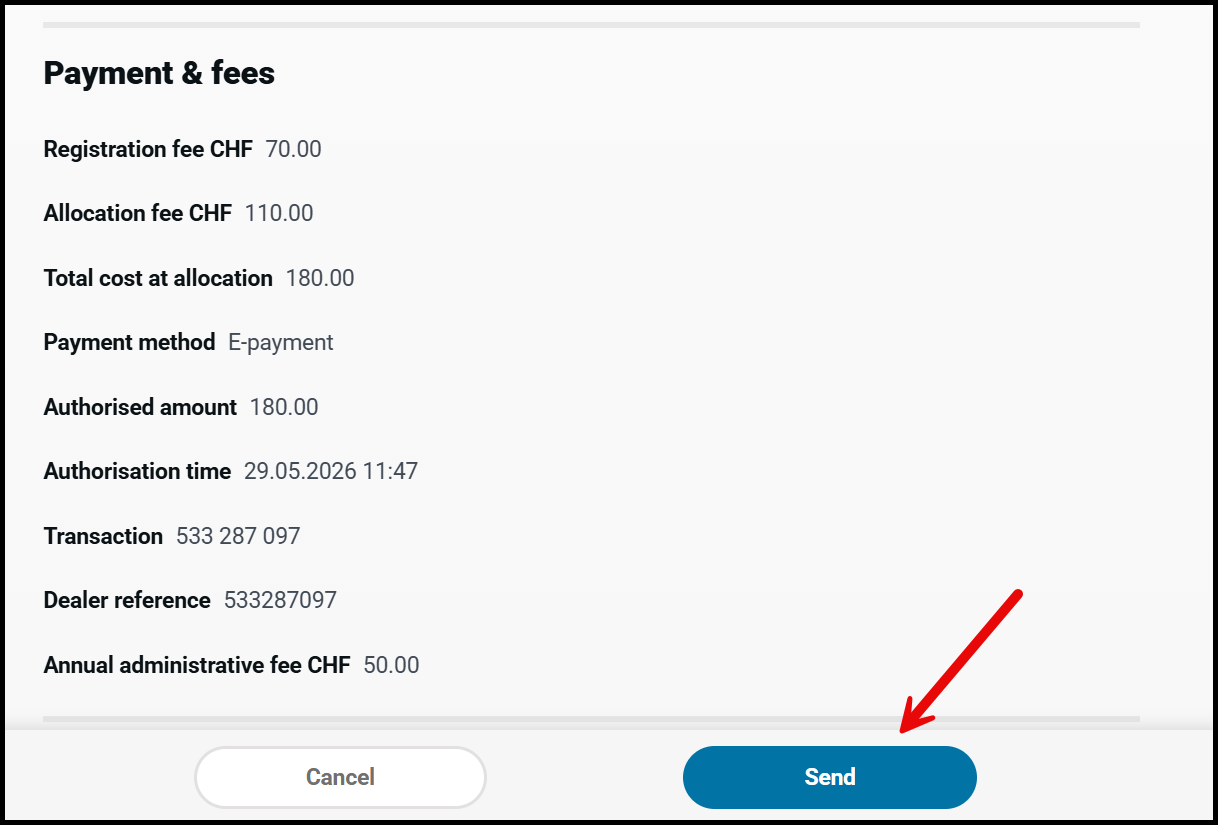
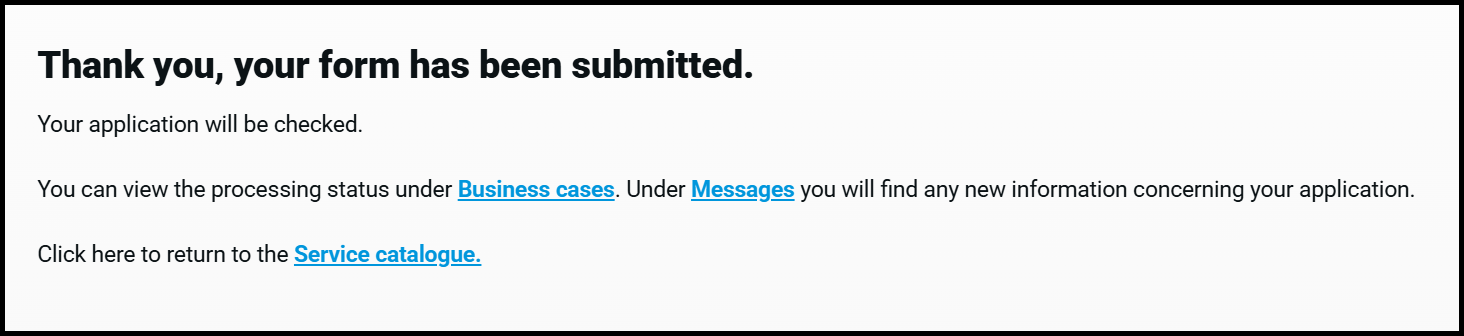
7. Your payment and application have now been successfully submitted.